Key Takeaways of Microsoft Lists from Microsoft Ignite 2020
|
Getting your Trinity Audio player ready...
|



|
Getting your Trinity Audio player ready...
|
Table of Contents
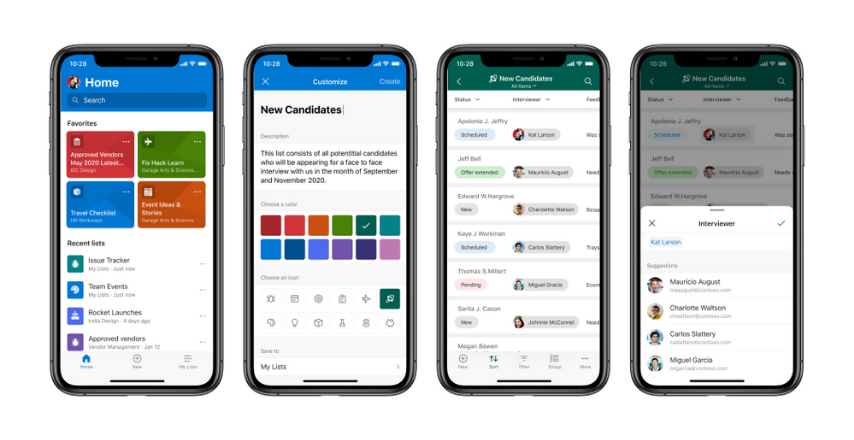
Toggle (From left-to-right, the Microsoft Lists app for iOS, shows various screens: Home page with favorite and recent lists, creating a list from ready-made templates, viewing lists items in a list, and editing a list item.)
You can begin with the list in several ways – from an Excel file, or from an existing list, or you can start from scratch with ready-made templates. You’ll be able to create both team lists owned by members of your teams and personal lists you own and can share. Also as a bonus, the Lists app for iOS supports offline data consumption and dark mode.
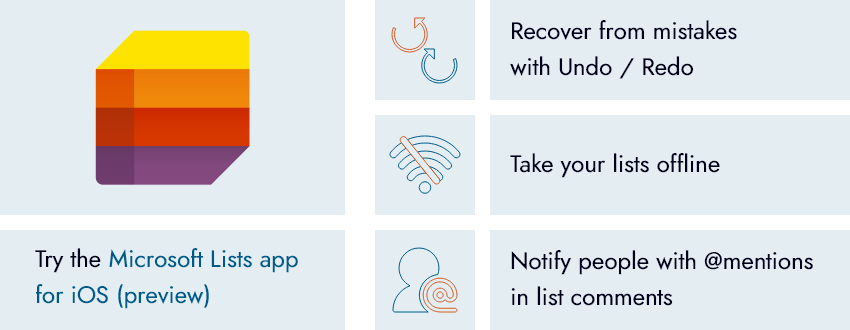
Install the Lists app for iOS (preview) today and share your feedback.
Well, the taste of the pudding is in eating — Happy Reading!!
Please Note: – You can find all the news, updates, and announcements in the Ignite 2020 Book of News.
Adding {{itemName}} to cart
Added {{itemName}} to cart